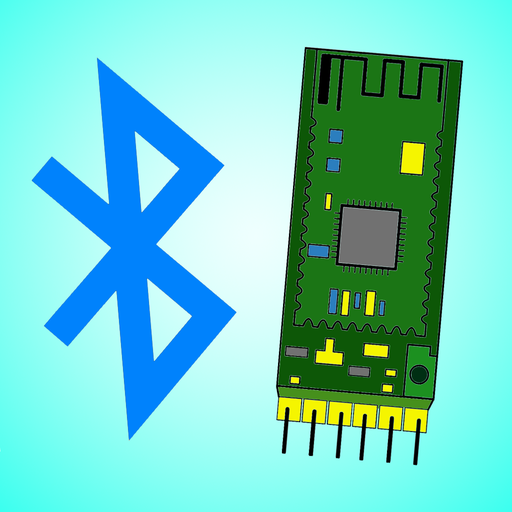
HM-10 BLE module
Known-good module type for iOS because it exposes BLE serial-style service and characteristic UUIDs (FFE0 / FFE1).
 Bluetooth Serial Connect Docs
The iOS app connects over Bluetooth Low Energy. Your microcontroller sees ordinary serial bytes through the BLE module's UART pins.
The module's TX pin goes to the microcontroller RX pin. The module's RX pin goes to the microcontroller TX pin.
The module and microcontroller must share GND or the signal levels do not have a common reference.
Many BLE modules are 3.3V devices. Check the board label or datasheet before connecting power or logic.
Pins 0 and 1 on Uno-style boards are also used for USB upload and Serial Monitor. Disconnect the BLE module while uploading if those pins are in use.
#include <BluetoothSerialConnect.h>

// Use this only when the BLE module is wired to pins 0 and 1.
// Verbose logging is disabled because Serial is also the module port.
BluetoothSerialConnect serialConnect(Serial, false);

void setup() {
  serialConnect.begin(9600);
}

void loop() {
  serialConnect.readSerial();
}#include <SoftwareSerial.h>
#include <BluetoothSerialConnect.h>
// Put the BLE module on two spare pins (Uno/Nano: RX = 10, TX = 11).
SoftwareSerial bluetoothModuleSerial(10, 11);
BluetoothSerialConnect serialConnect(bluetoothModuleSerial, true);
void setup() {
Serial.begin(9600);
// Start the SoftwareSerial port yourself; begin() below only opens hardware UARTs.
bluetoothModuleSerial.begin(9600);
serialConnect.begin(9600);
}
void loop() {
serialConnect.readSerial();
}Known-good module type for iOS because it exposes BLE serial-style service and characteristic UUIDs (FFE0 / FFE1).
Use primary Serial pins 0 and 1 with verbose mode off, or choose a board with a spare hardware UART.
Hardware serial ports make wiring and upload flow cleaner.
Classic Bluetooth modules are not supported by the iOS app.
They may work if service and read/write characteristic UUIDs match the app settings.